The adapter is plugin-neutral — it reimplements Capacitor's JavaScript bridge contract so that any conforming plugin works without modification. It maps four Capacitor bridge APIs to one Lynx NativeModule interface.
registerPlugin(name, impl?)
Creates a native or web-fallback proxy
Capacitor.toNative(plugin, method, opts)
Dispatches a call to the native layer
Capacitor.fromNative(result)
Receives native results and events
Capacitor.addListener(plugin, event, cb)
Subscribes with a retained callback
NativeModules.CapacitorBridge
.handleCall(jsonPayload, callback)
One entry point for promises and retained listener events
Creates a plugin proxy that checks native availability. If native module exists, calls route through the bridge. Otherwise falls back to a WebPlugin implementation.
Serializes the call as {callbackId, pluginId, methodName, options} and posts it to native via handleCall(json, cb).
The native callback or Android GlobalEventEmitter invokes this path. It resolves the stored Promise or invokes the listener with data or an error.
{success, data?, error?, save?}
Calls toNative with method "addListener". iOS uses retained callback delivery; Android emits retained results through Lynx GlobalEventEmitter.
All Capacitor plugins work out of the box. Install them from npm and the adapter handles the rest. No forks, no patches, no custom builds.
We verified 37 official plugins and 3 Community plugins with our demo app.
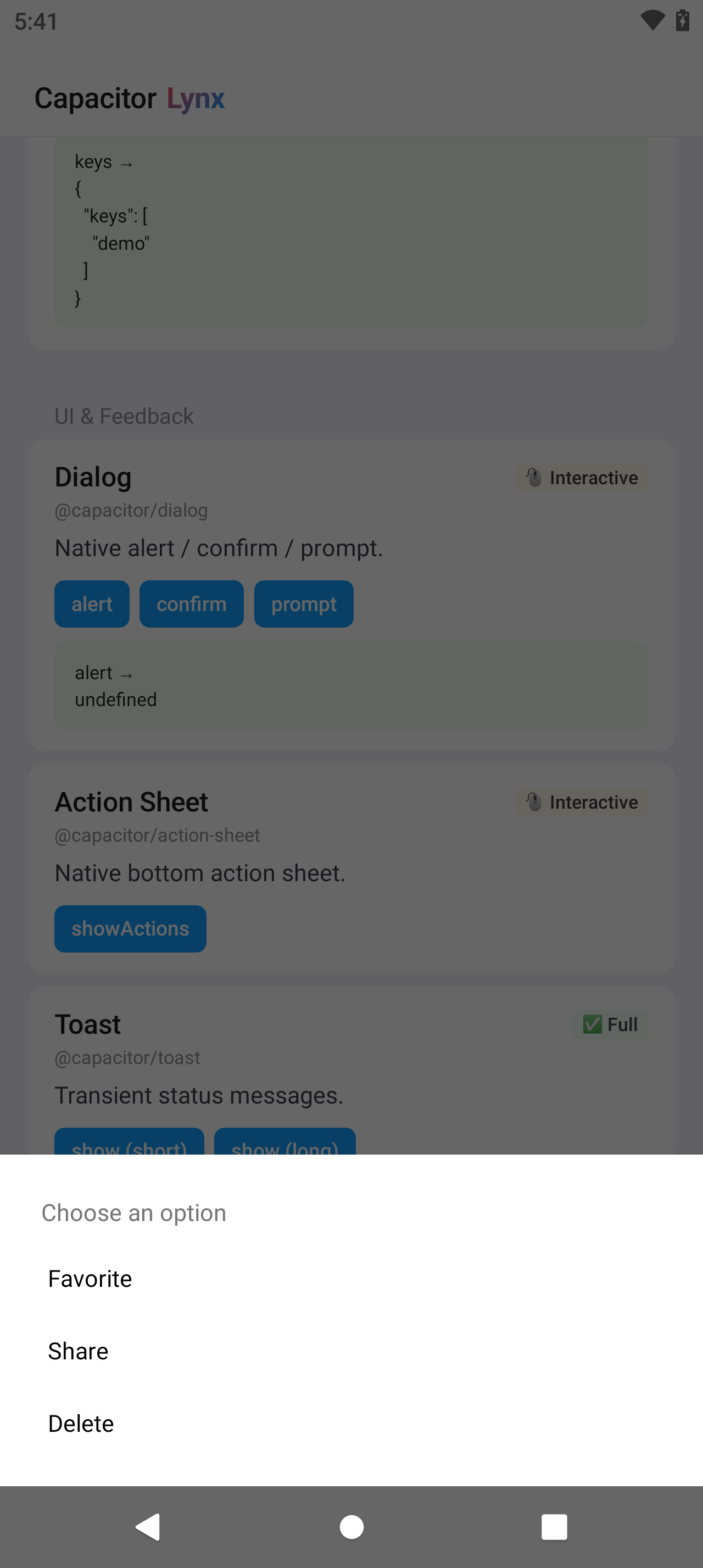
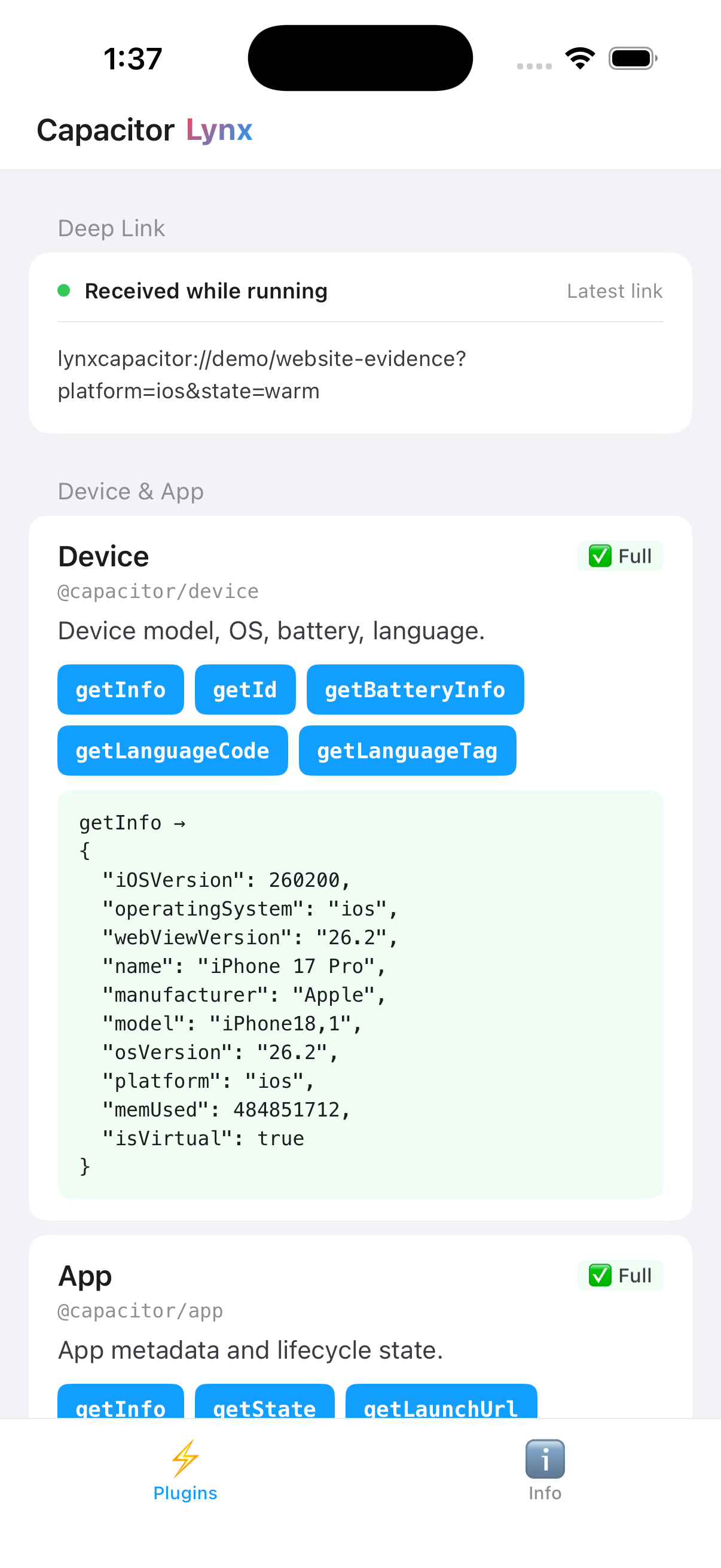
The same ReactLynx gallery receives lifecycle events on iOS and presents unmodified Capacitor UI on Android. These are real Simulator and cloud-device captures, not mockups.
Three steps to run any Capacitor plugin on Lynx.
Your plugin imports stay unchanged because npm installs the Lynx adapter at @capacitor/core.
npm install @capacitor/core@npm:@lynx-capacitor/core
Install any Capacitor plugin directly from npm.
npm install @capacitor/device
Install the shared native runtime, then configure Autolink once in the host app. Autolink is recommended, but hosts can wire the runtime and plugins manually instead.
# Install the runtime with your target platform npm install @lynx-capacitor/runtime @capacitor/ios # Android: replace @capacitor/ios with @capacitor/android
# Podfile plugin 'cocoapods-lynx-library' plugin 'cocoapods-lynx-capacitor' target 'YourApp' do use_lynx_library! use_capacitor_plugins! end // In your view controller [[LynxGeneratedLibraryRegistry new] setup:config];
After the one-time Podfile setup, adding a plugin is npm install + pod install.
// settings.gradle.kts pluginManagement { includeBuild("../node_modules/@lynx-capacitor/runtime/gradle-plugin") } plugins { id("org.lynxcapacitor.settings") } lynxCapacitor { nodeModulesPath = "../node_modules" } // app/build.gradle.kts plugins { id("com.android.application") id("org.lynxcapacitor.autolink") } // When creating the LynxView val builder = LynxViewBuilder() LynxGeneratedLibraryRegistry.setup(builder) val lynxView = builder.build(this) setContentView(lynxView) LynxCapacitorRuntime.attach(this)
After the one-time Gradle setup, adding a plugin is npm install + Gradle sync/build.